

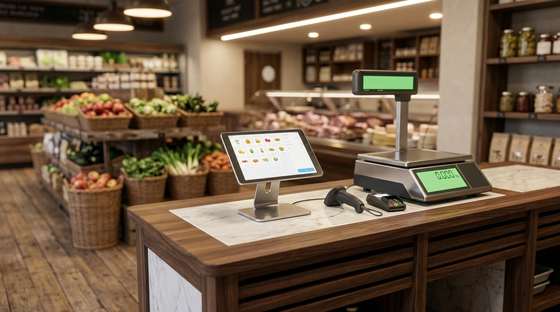
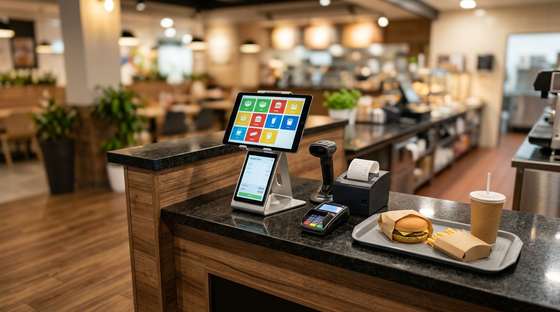
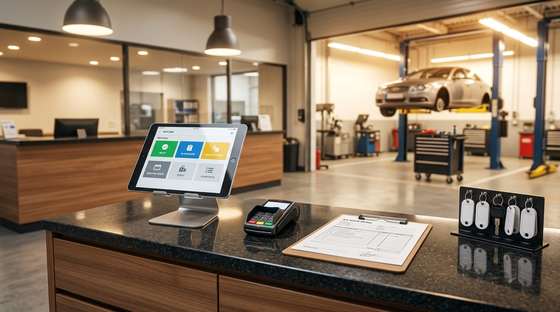

Store management, from reception to the register.
Goods, stock, prices, invoices and fiscal receipt in one program, in the cloud. You start from any device, at every location.
Every feature, as you see it working
Goods receipt (NIR)
You pick up the supplier invoice straight from e-Invoice, matched by barcode, and stock goes up in the chosen stock location. With the markup calculated.
Invoicing and e-Invoice
The customer invoice is issued in seconds and goes to ANAF from the app. You check the status without opening SPV.
Fiscal receipt on the cash register
The receipt is issued on the Datecs or Tremol register, with payment methods and SGR deposits handled automatically.
Items and stock
Catalogue with barcodes, stock per stock location and prices. Search by name, code or barcode.
Prices per location
The same item can have a different price in every store, with the markup calculated live next to the price.
Stocktaking
You count stock per location, compare book with physical and see the difference in value before closing.
Transfer between stock locations
You move goods between warehouse and stores, with FIFO or weighted average cost, and automatic receipt or a later NIR.
Customers with ANAF check
You enter the tax ID and the data comes from ANAF: name, address, VAT payer, trade register status.
Cash and bank
Cash book and bank statement, with receipts from fiscal receipts and invoices posted automatically in the right place.
Returns
Return from the customer or to the supplier, with item exchange and documents issued correctly.
Supplier orders
The app suggests what to order, based on the optimal stock, and prepares the order per supplier.
Service appointments and orders
Appointment calendar per mechanic and a work order with labour and parts, for car service and other services.
POS apps that work with your stock
POSMAG.cloud and POSAUT.cloud are the sales apps. The receipt, stock and prices are the same as in WinFirm.cloud: what you sell at the register leaves the stock, and what you change in the back-office shows up at the register immediately.
POSMAG.cloud — store and supermarket
Quick sale with barcode, PLU keys and quantity. SGR deposits are added automatically, and payment can be split between cash and card.
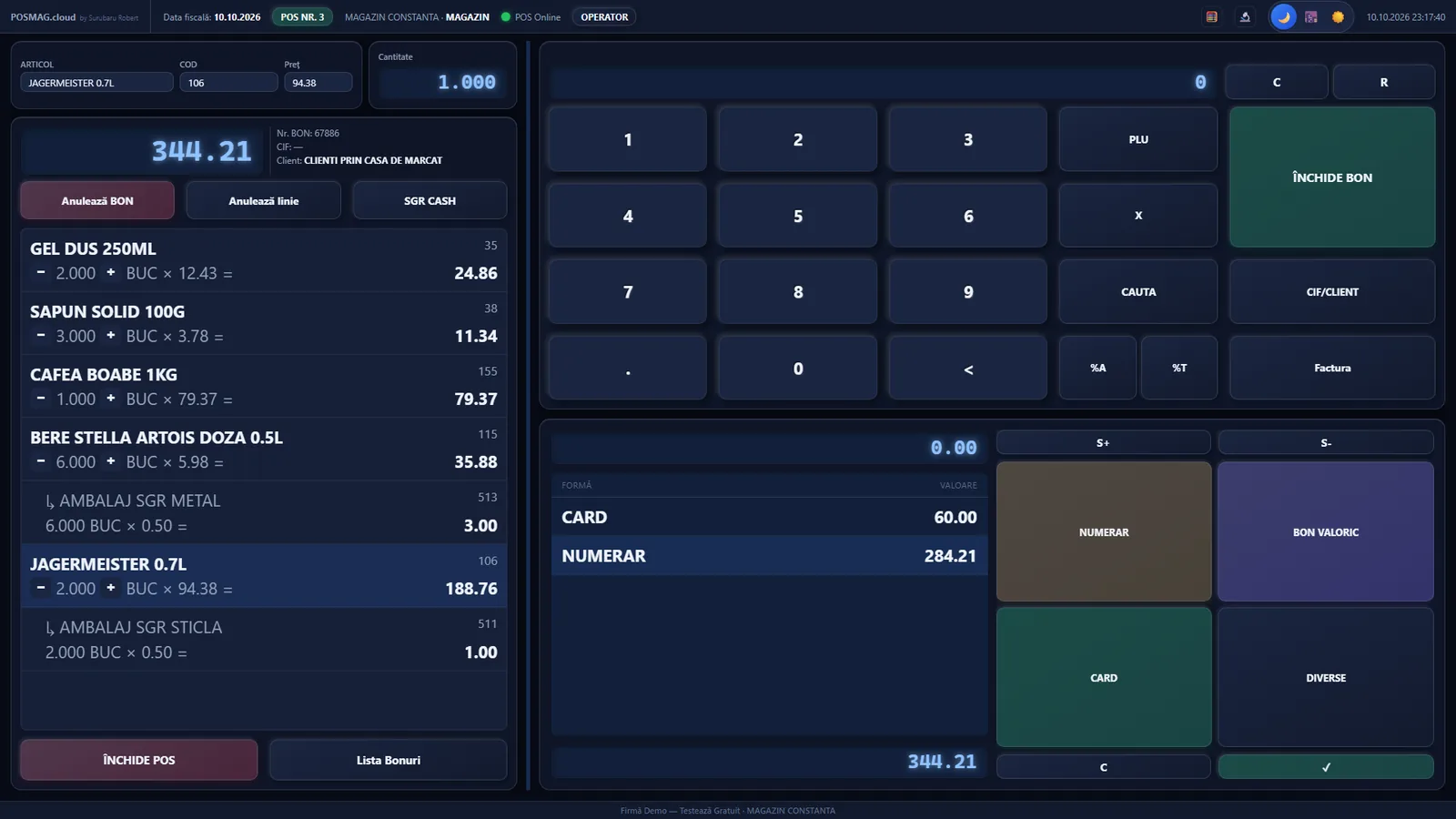
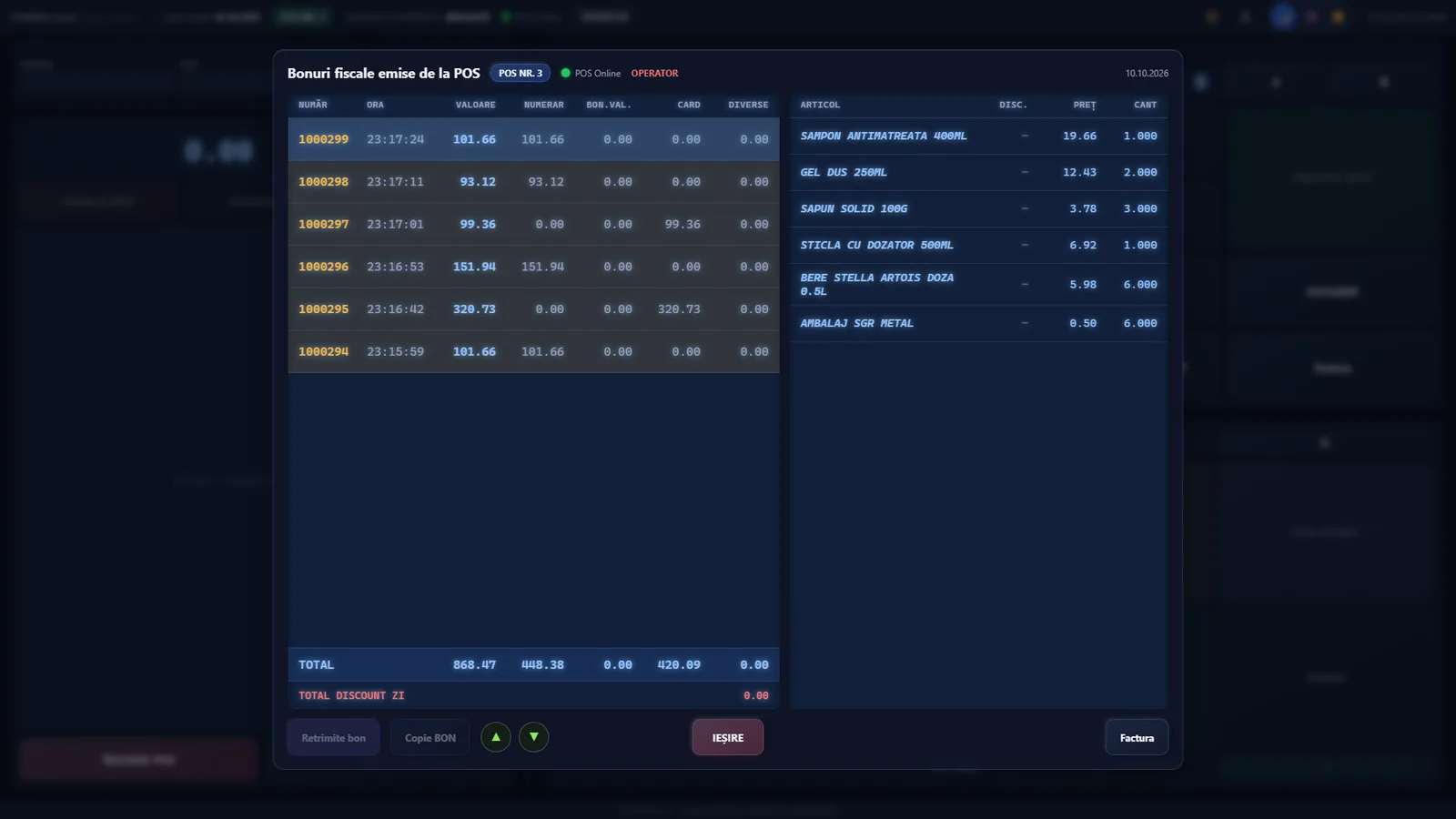
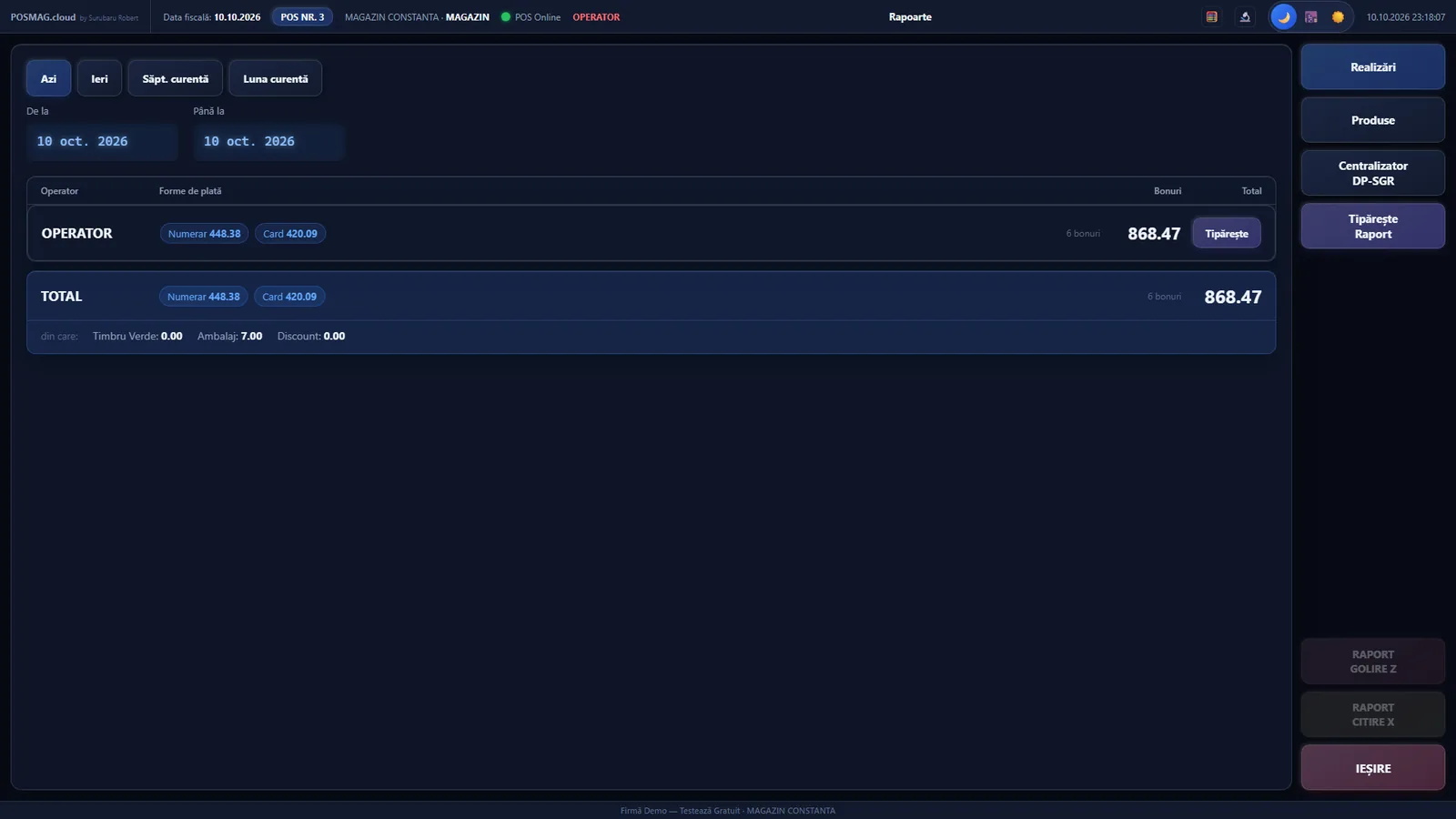
- Cash registerDatecs and Tremol, directly or through the Bridge.
- OfflineYou keep selling; receipts are sent when the connection returns.
- Scale and barcodePrice and weight labels recognised automatically.
- Linked to WinFirm.cloudStock, prices, customers and invoices, in a single account.
POSAUT.cloud — self-service, fast food, café
Categories and products with photos on screen, quick orders and a customer display. Suited to cafés, fast food and self-service.
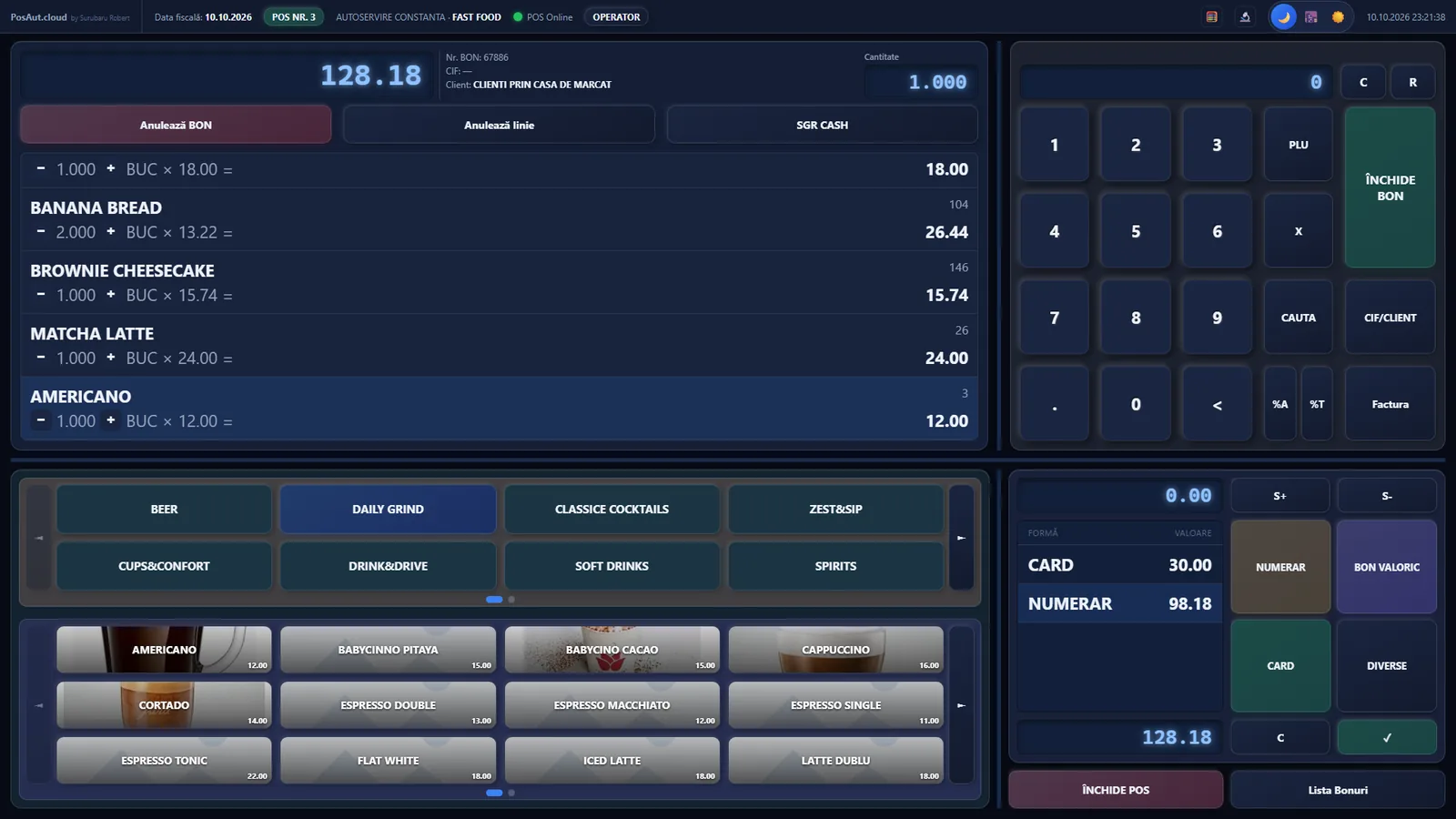
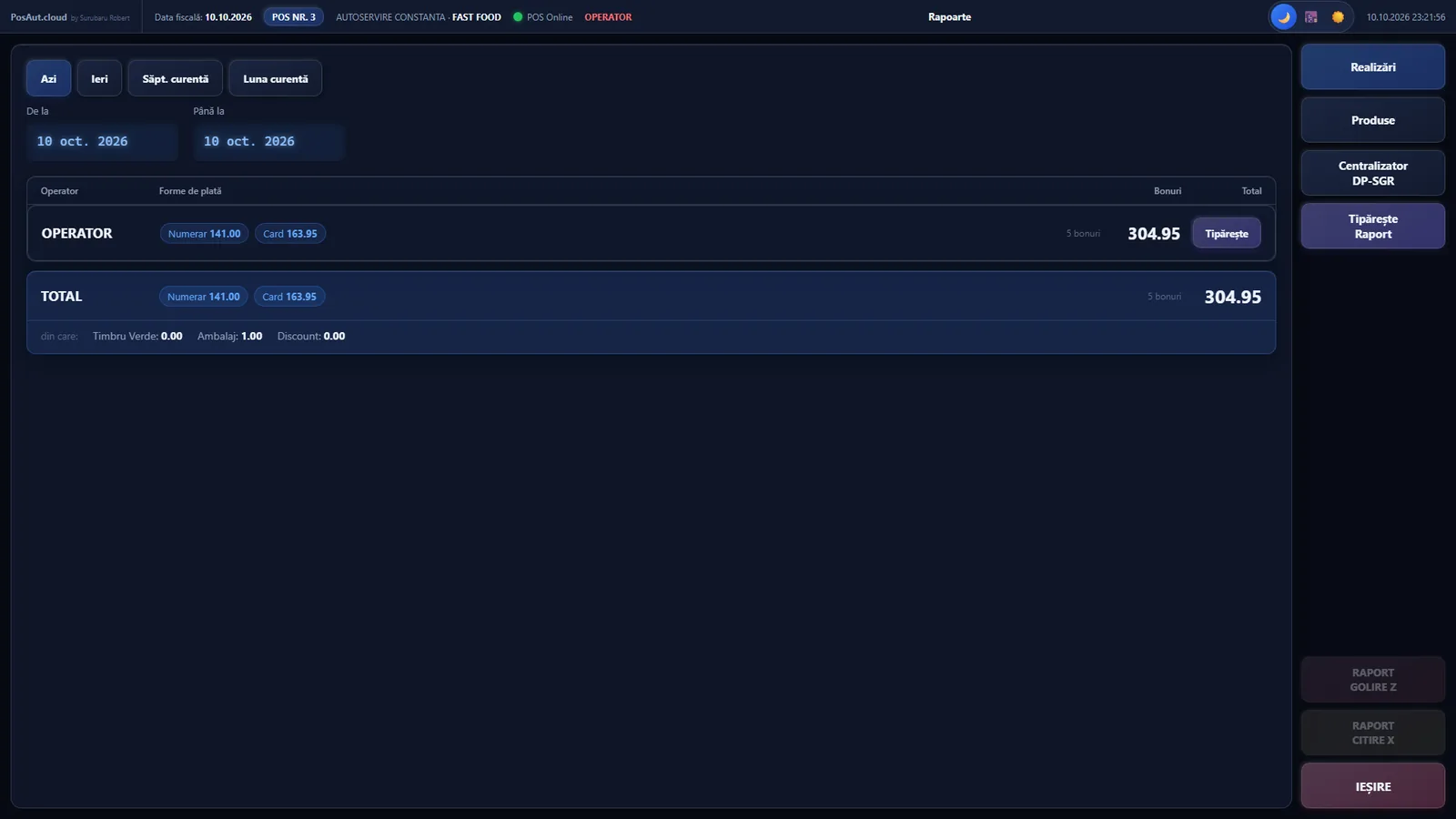
You also sell from a phone or tablet, with no PC
POSMAG and POSAUT run in the browser on phone and tablet. The Datecs register connects over Wi-Fi with a small converter, and the Bridge app for Android sees it directly.
- Sales from the phoneYou search or scan the item, apply a discount, take the payment and issue the receipt from the same phone.
- Datecs register over Wi-FiNo computer next to the register: the tablet or phone talks to the register over the network.
- Manager panelSales, cash and the company’s debts on the owner’s phone, without being at the office.
No more searching through papers, files and separate programs. Goods come in, are sold, invoiced and reported in one place, at every location.
Less time on paperwork, more on selling
- One program for the whole chainFrom the supplier order to the customer receipt, with no re-entering of data.
- Several locations, one accountEach location sees its own stock locations, document series and prices.
- Correct stock, valued the way you chooseFIFO, LIFO, weighted average cost or fixed price, at company level.
- e-Invoice without the hassleYou send, receive and archive from the app, with status checking.
- The reports you needStock, sales, payments, raw-material consumption and realised markup.
- You don’t depend on a single computerYou work from the browser, and sales continue even when the internet goes down.
You sell at the register, with or without internet
Two sales apps, the same data as in the back-office. The receipt is issued on the cash register and sales don’t stop if the network goes down.
POSMAG.cloud
Stores, retail- Quick sale with barcode, scale and loyalty cards
- Works offline and sends the receipts when the internet is back
- Fiscal register Datecs or Tremol, straight from the app
POSAUT.cloud
Self-service, fast food- Quick orders on photo buttons, for rush hour
- Tip asked on the customer display
- Bill and receipt your choice
Reports
From any device- Results per operator and per day
- Report per stock location with VAT-rate breakdown
- End of day fiscal with totals
AI support
WinFirm.cloud · price on request- Supplier invoice scan and the goods receipt (NIR) filled in automatically
- Owner’s assistant who answers “how much did we sell yesterday?”
- Automatic translations for menu and product descriptions
Tablet, register and scale. That’s it.
The tablet talks wirelessly to the cash register and to the scale. You don’t need a computer in the store.
- Less equipmentNo dedicated computer at each register.
- Simple installationThe same tablet for sales, receipt and scale.
- Register and scale togetherA single point of contact for both.
From account to first sale, in one day
- You create your accountNo card, in minutes.
- You declare your companyThe data comes from ANAF by tax ID.
- You upload your itemsFrom Excel, from e-Invoice or from an old database.
- You sellFiscal receipt, invoice, stock and report, from day one.
You pay monthly, for what you use
WinFirm.cloud
Complete back-office: stock, invoices, e-Invoice, reports.
- Multiple users
- Several locations
- e-Invoice included
POSMAG.cloud
In-store sales, with fiscal receipt and offline operation.
- Datecs/Tremol cash register
- Scale and barcode
- Syncs by itself
POSAUT.cloud
Self-service and fast food: quick orders, customer display.
- Quick keypad
- Tip on the customer display
- Receipt printer
Prices include VAT. Automatic discount: 5% for 6 months, 10% for 1 year and 10% from 2 licenses in the same order. The currency is chosen by the visitor’s country; the rate shown here is only an example.
What customers ask us most often
What does it cost to start?
You can try it free, with no card. You only pay when you move to a subscription, monthly, only for what you use.
Do I need a computer?
The app runs in the browser, on any computer, tablet or phone. For the cash register and scale there is also a tablet-only setup, no PC.
Do I keep my data if I stop?
Yes. The data is yours and you can export it at any time.
Does it work with my cash register?
We work with Datecs and Tremol registers, over USB or the network. If you have another model, write to us and we will check.
Can I switch from another program?
Yes. Items, customers and suppliers can be imported from an old database or from Excel.